Set the brief
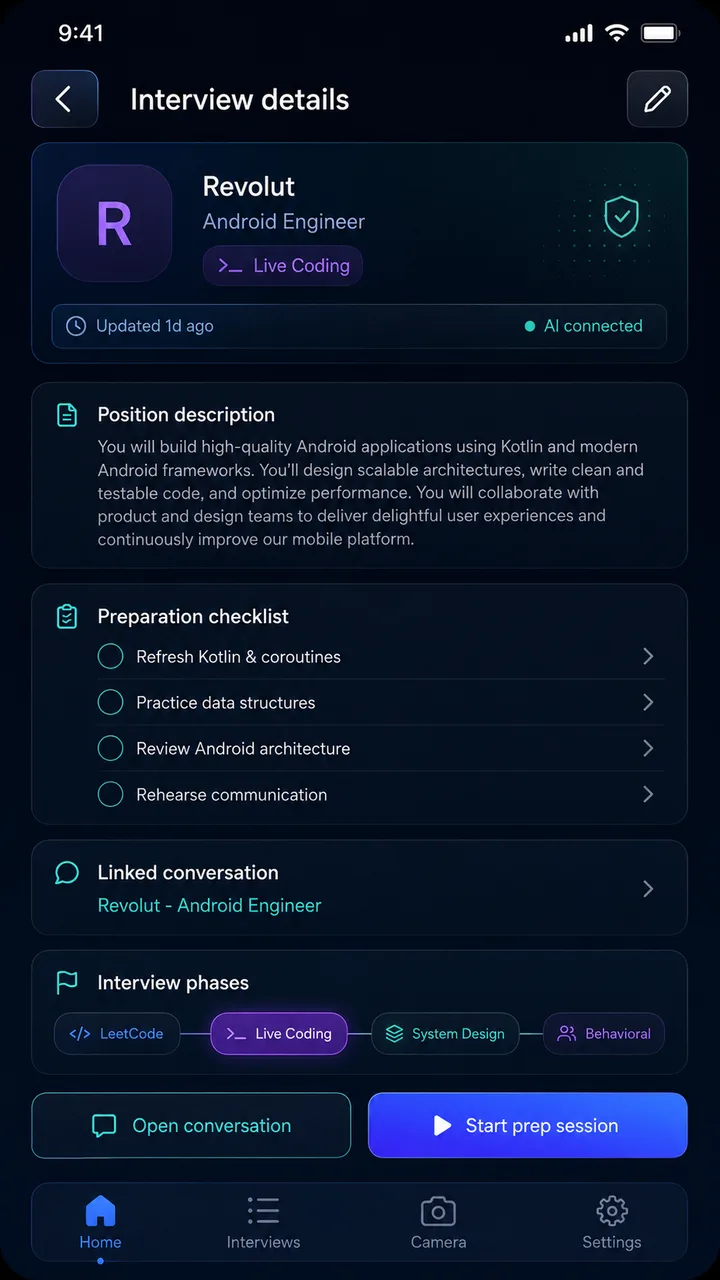
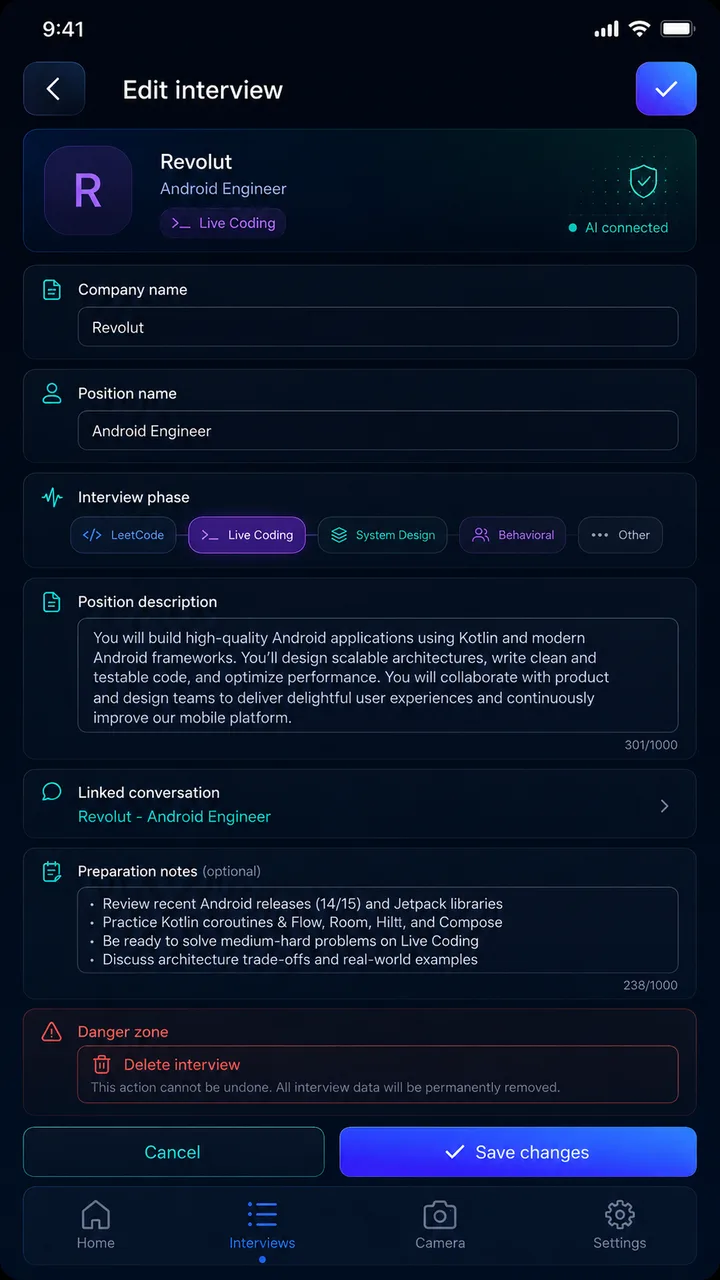
Save the company, role, interview phase, job description, and the specific skills you want to rehearse.
Interview preparation AI Assistant
Plan the role on your phone. Put your practice session on a bigger screen with Samsung DeX. Capture prompts and work through them with the AI provider you choose.
Built for preparation and learning— covert assistance in an active interview or assessment.
15-second product reel
One deliberate workflow
PrepCode keeps the context, tools, and conversation together so every session starts with a purpose.
Save the company, role, interview phase, job description, and the specific skills you want to rehearse.
Stay on the phone or connect Samsung DeX and give the conversation a dedicated TV or monitor.
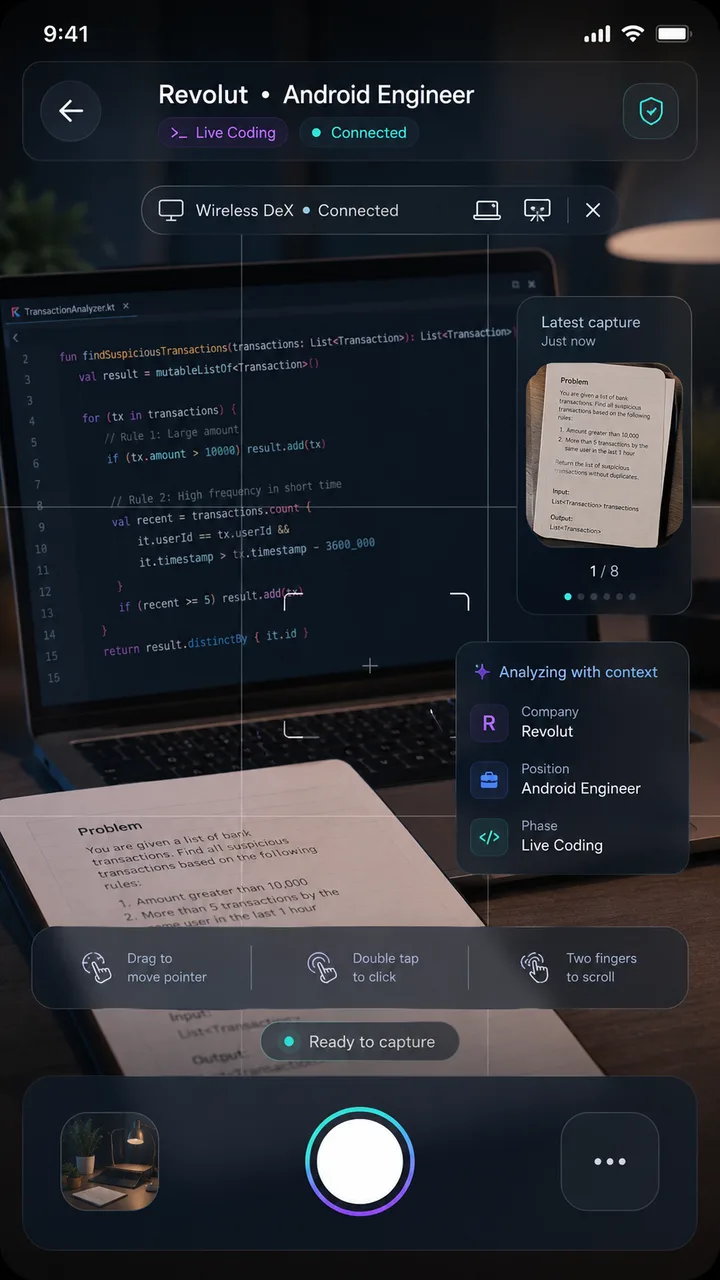
Photograph a practice prompt, get a structured breakdown, ask follow-ups, and refine your reasoning.
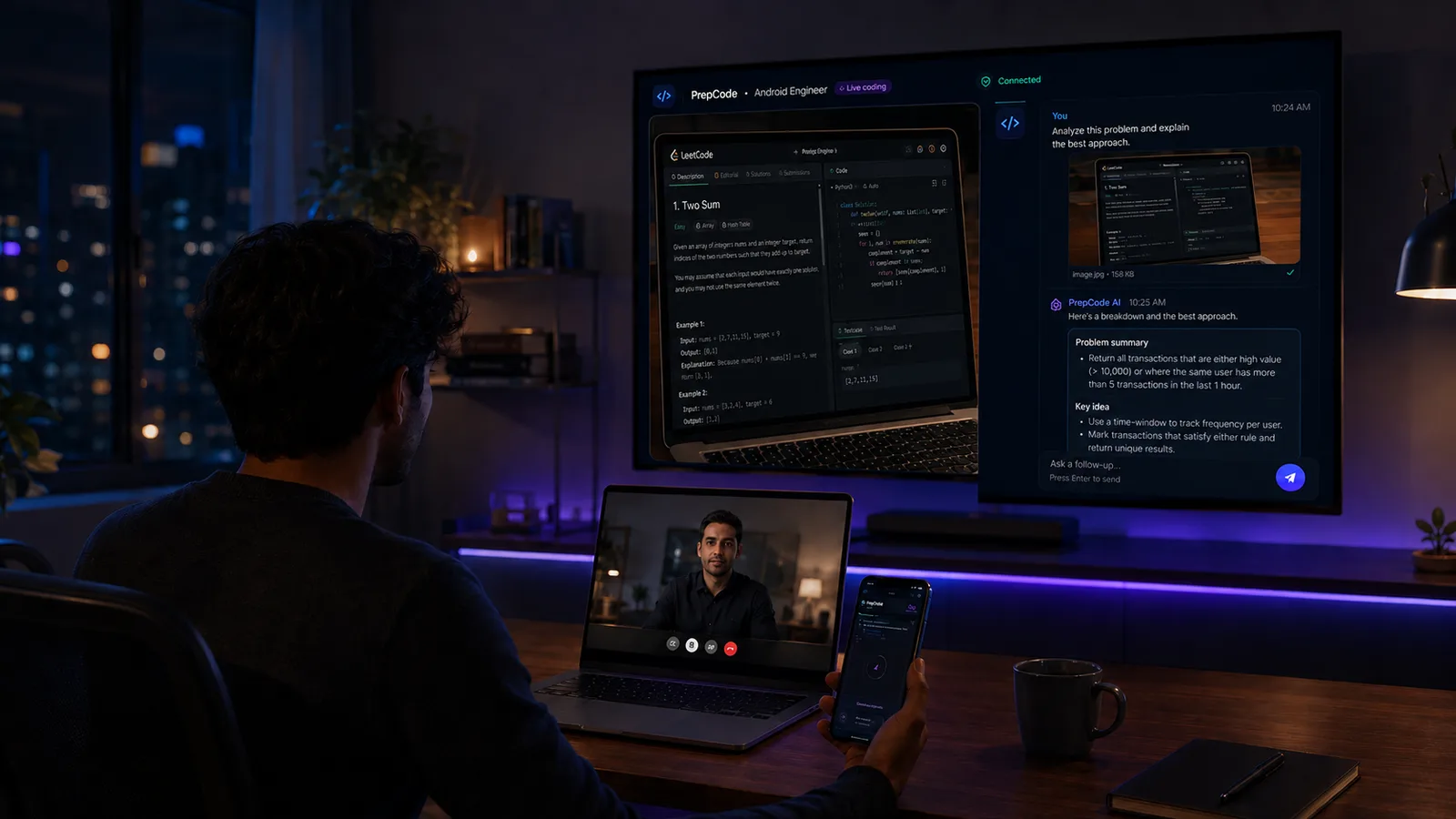
A bigger practice surface
Use the phone as the controller while the larger display holds the problem, context, and AI conversation.
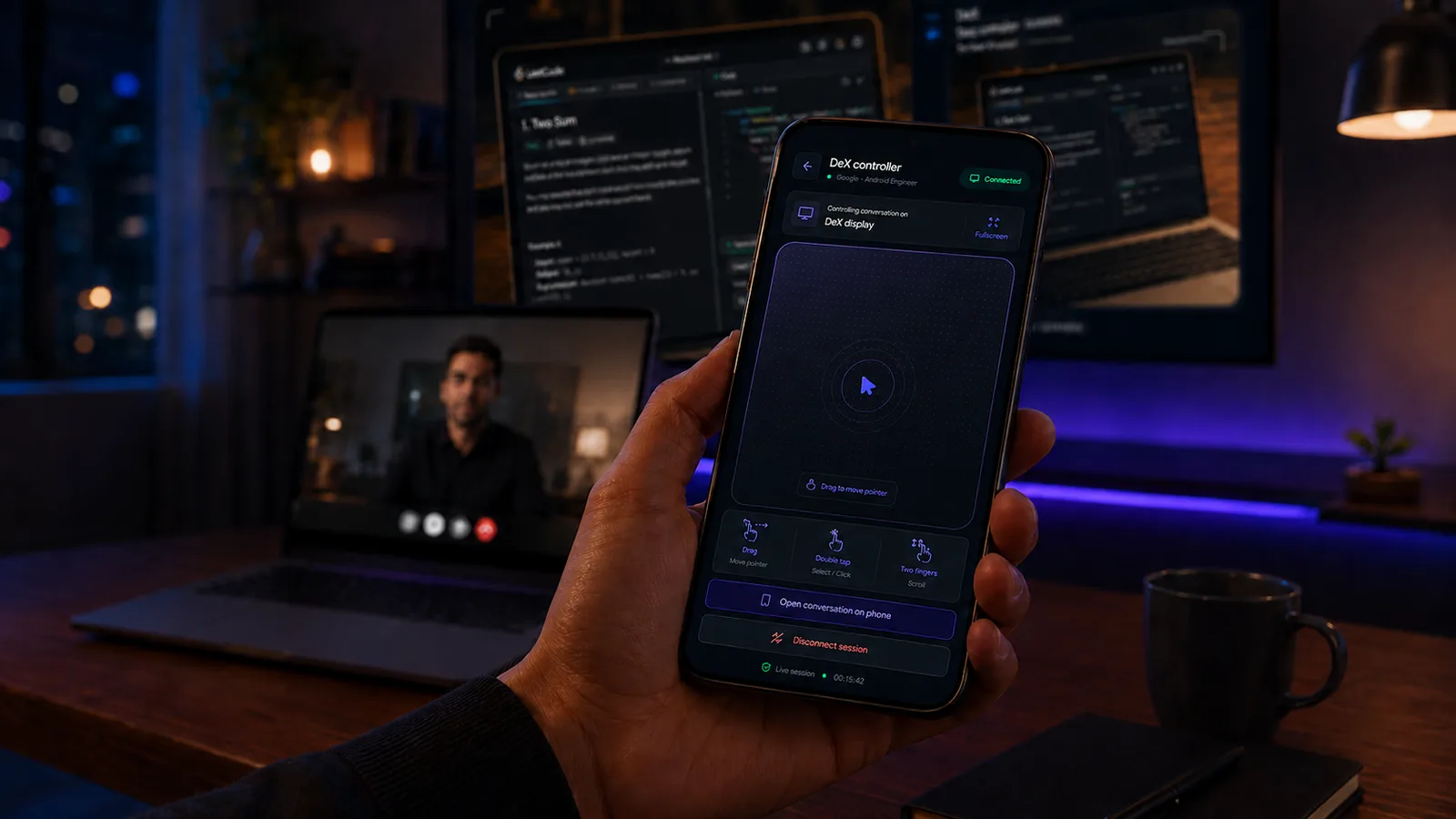
Context travels with you
Send an image from the practice problem, read a structured explanation, and ask the next question without rebuilding the context.
Built with professional constraints
The details support one goal: more intentional, more realistic preparation.
Keep job context, preparation notes, and the linked conversation beside the session they belong to.
Connect an available provider and choose a coding, vision, reasoning, fast, or long-context model.
Interview plans and conversations use Room as the device-side source of truth.
Keep explanations, complexity discussions, and follow-up reasoning legible on a larger display.
The Android app talks to Firebase callable functions, not directly to AI provider endpoints.
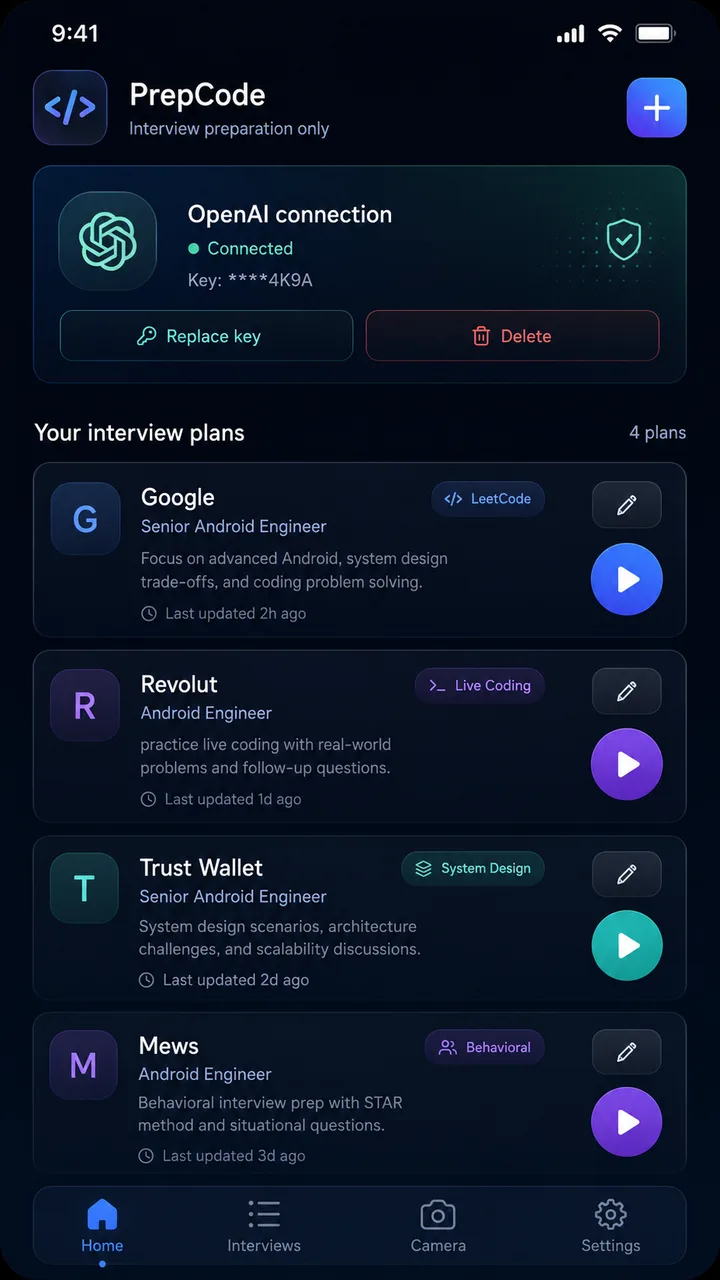
The Android experience
Build the plan, review the brief, frame a practice prompt, and return to improve it.
See it in motion
Watch the PrepCode playlist for product demos, walkthroughs, and the complete phone-to-display experience.
Open the full YouTube playlistStraight answers
Yes. PrepCode is built for preparation, rehearsal, and learning before an interview. It is intended for covert assistance in an active interview or assessment.
No. Core planning, camera, and conversation features work on the Android phone. A compatible Samsung DeX display adds the larger practice workspace.
PrepCode supports coding-problem practice, live-coding rehearsal, system design preparation, behavioral preparation, and custom interview phases.
Provider keys are sent to the Firebase backend, encrypted with Google Cloud KMS, and stored as ciphertext. Full keys are not stored in the Android app.